
Tattoo Scanability & Safety
Before getting a QR tattoo, test your printed design and review it with your artist. Even a successful paper test can’t predict how well the tattoo will scan after healing or as it ages.
Before you get inked
-
 Step 1
Keep the border clear
Use the black-and-white QR design from My Codes. Leave the blank border on all four sides and keep logos and artwork outside it.
-
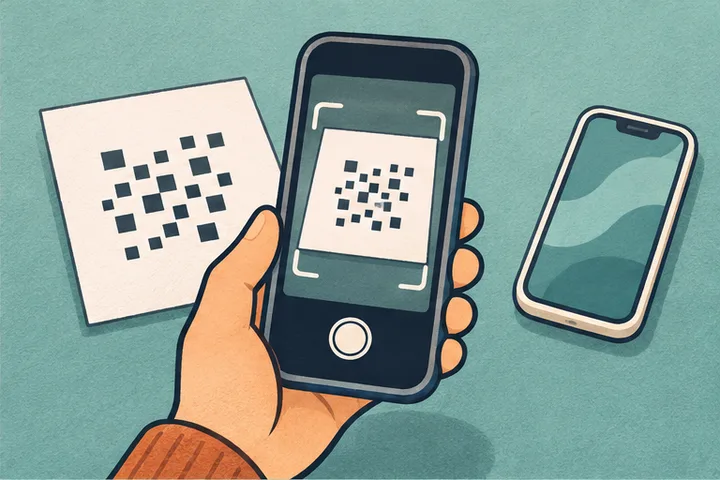 Step 2
Print and test at actual size
Print the QR at the size you plan to use. Try different phone cameras and lighting, and check that each scan opens your intended page.
-
 Step 3
Review it with your artist
Bring the tested print to an experienced tattoo artist. Ask them to assess size, placement, and how the design may look as the skin moves or the ink ages.
-
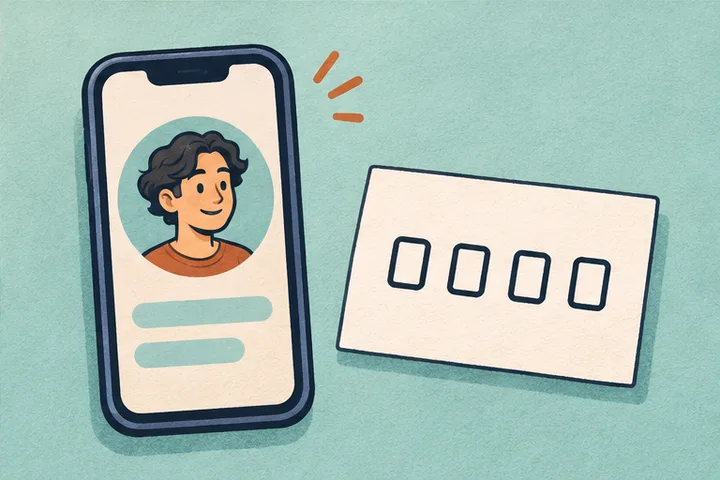 Step 4
Keep a backup
Save your profile link and TatMe.id number. If the tattoo becomes hard to scan, you can still share the link or have someone enter the number.
Find a page by number
TatMe.id provides digital designs. Your tattoo artist is responsible for the tattooing and related health precautions. See the Terms of Service for details.